Gaming Optical Mouse Elite M1 131 Features Setup And Gaming Performance
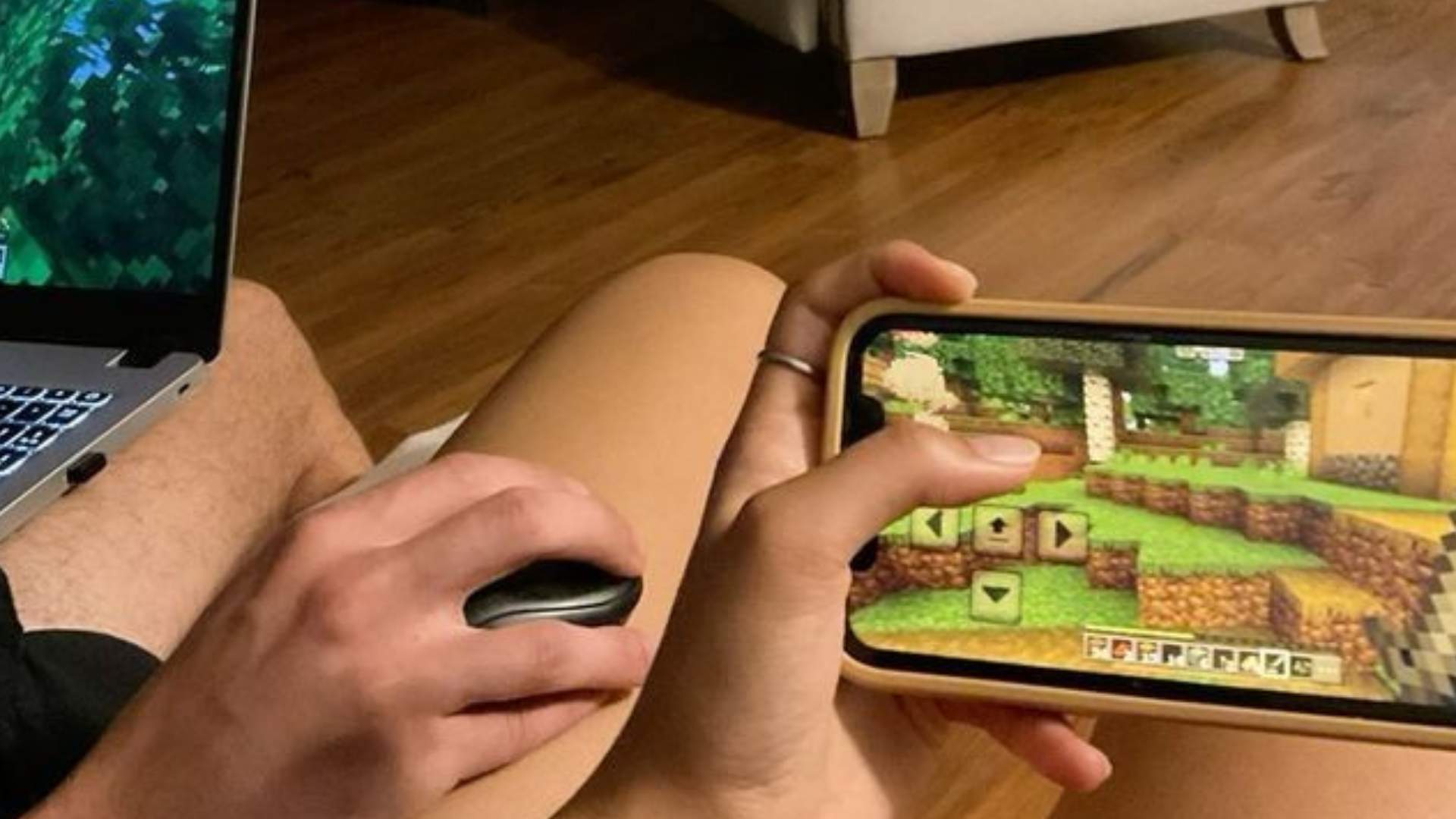
The CyberPowerPC Gaming Optical Mouse Elite M1 131 offers budget-conscious gamers an accessible entry point into dedicated gaming hardware. Designed to balance comfort and essential gaming features, this wired peripheral delivers functional performance without unnecessary complexity. Understanding its design specifications and operational capabilities helps users get the most value out of their setup.
Key Features and Ergonomic Design
The Elite M1 131 features an ergonomic black chassis built with textured side grips to improve control during long gaming sessions. It comes equipped with multi-button functionality and integrated lighting effects that cycle based on the active sensitivity settings. Additionally, the mouse includes internal removable weights near the rear compartment, allowing users to customize its physical balance to match personal preference.
Simple Setup and Configuration
Setting up the mouse is straightforward, relying on plug-and-play USB connectivity across major desktop operating systems. Sensitivity adjustments can be made directly on the hardware via a dedicated DPI button located just beneath the scroll wheel. Each press cycles through preset DPI tiers—ranging from 800 up to 7200 DPI—with distinct LED colors indicating the current sensitivity level.
Real-World Gaming Performance
In action, the optical sensor provides steady tracking for general gaming genres, from casual titles to fast-paced strategy games. The 1000Hz polling rate ensures low input latency, responding reliably to swift wrist movements on most mousepad surfaces. While it lacks extensive software macro customization compared to high-end models, the built-in side buttons provide quick access to secondary in-game actions.
Maintenance and Longevity Tips
To keep the Elite M1 131 operating at peak performance, users should clean the optical sensor lens periodically using compressed air. Checking the braided cable for strain near the USB junction prevents unexpected disconnects during competitive play. Overall, taking basic care of the hardware ensures a dependable experience for budget gaming enthusiasts.